
Manage the approval process, department budgets and your projects.
What it is for: Keeps spending within authority and budget.
The My Approvals page lists the orders waiting for your approval. The badge in the menu shows how many are pending.
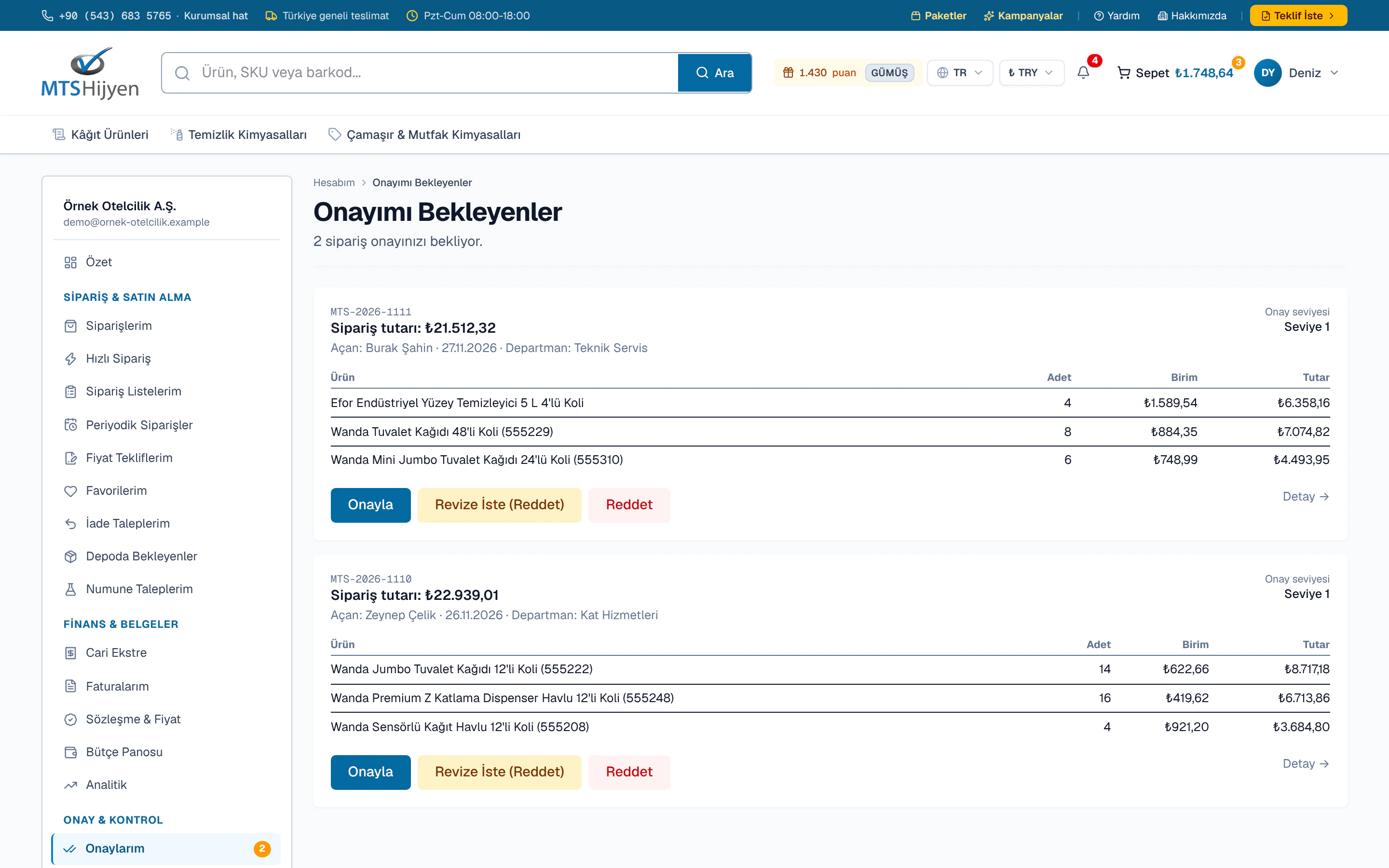
Use Approve or Reject on the row. You can also select several orders and approve them in bulk.
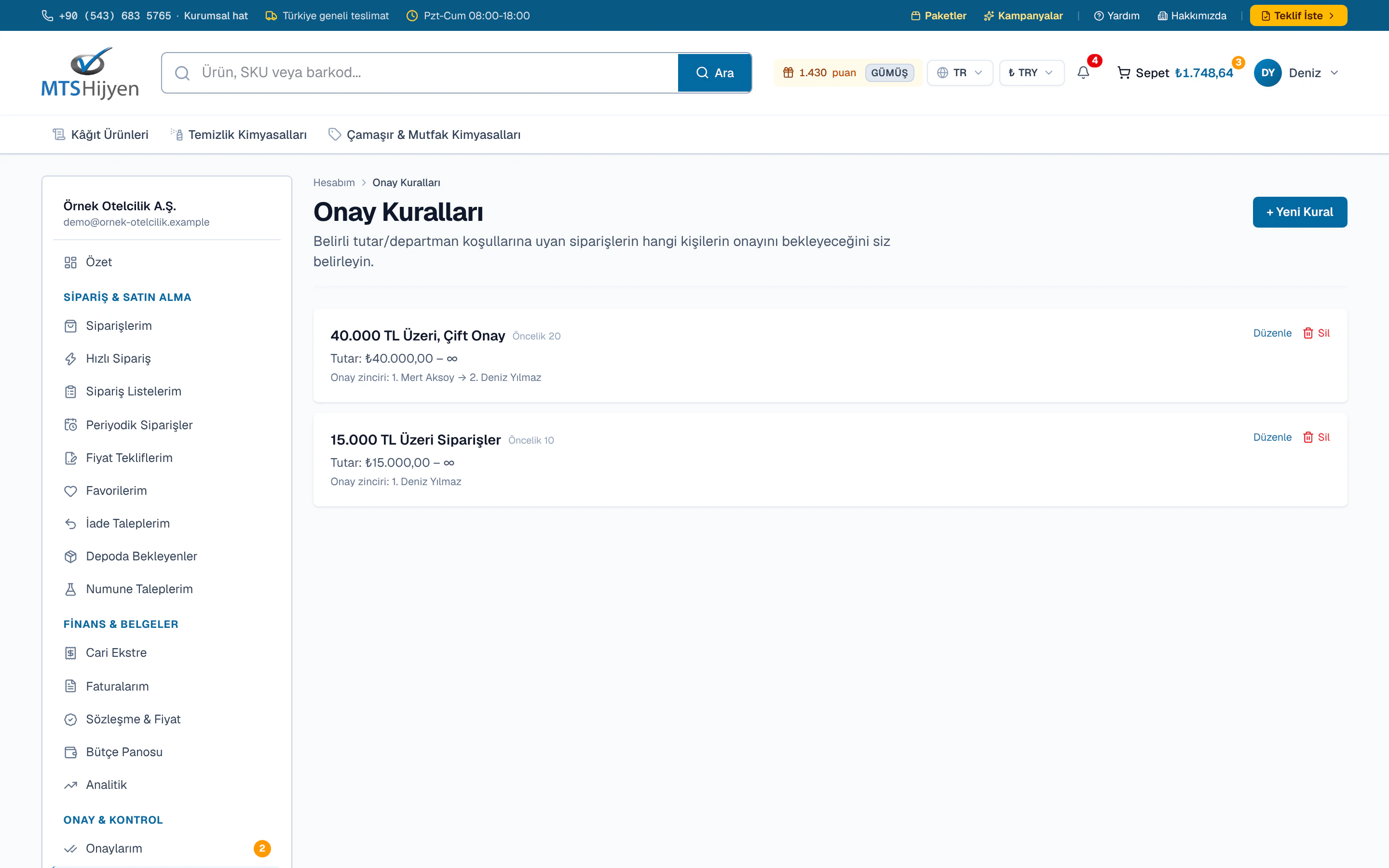
On the Approval Rules page, click + New Rule. Save the rule that decides which order goes to whom for approval.
On the Departments & Budgets page, add a department with + New Department and enter its monthly budget.
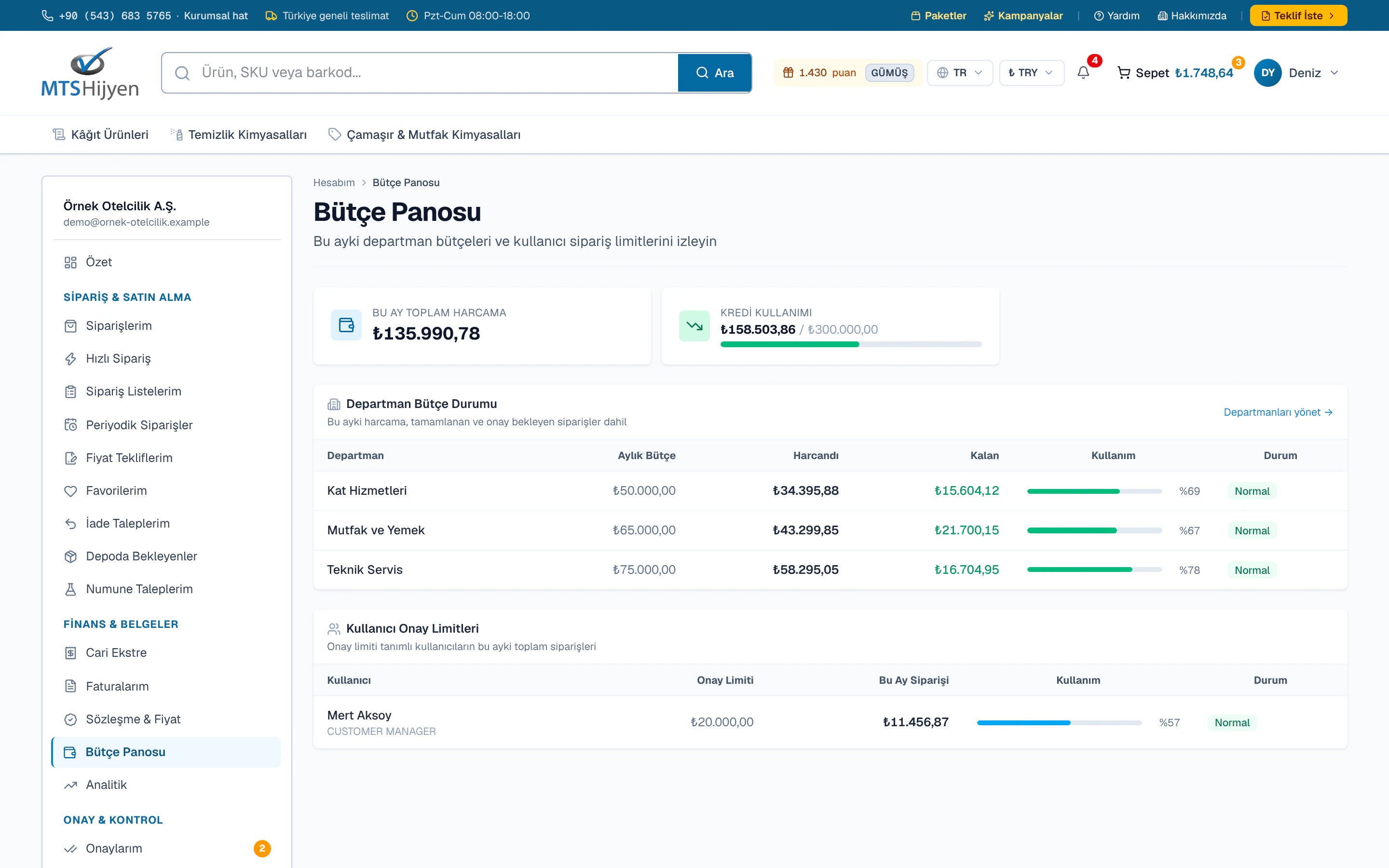
The Budget Dashboard shows the spending status of department budgets and any alerts.
On the Projects / Sites page, each project appears as a separate record. To add a new project, contact your company administrator.
This link takes you to the page. If you are not signed in, the sign-in page opens first.